
Download Catlooking Writer – Distraction-Free Writing, Minimalist Text Editor, Focus Mode, Writing Tool, Creative Writing, Note-Taking, Serene Writing Environment, Simple Text Editor, Writing App, Digital Journaling
Overview
Catlooking Writer is a minimalist text editing application designed to foster deep concentration and creative flow by removing visual clutter from the user’s screen. Its primary purpose is to provide a serene writing environment where users can focus solely on their thoughts and words, free from the distractions commonly found in standard note-taking or word processing tools. The app targets writers, journalers, and content creators who value simplicity and mental clarity during the writing process. It is especially beneficial for those working on long-form content such as novels, screenplays, or personal reflections, where uninterrupted focus enhances productivity and creativity.
Developed by Catlooking, the app has been available since 2011, indicating a long-standing commitment to a minimalist philosophy in digital writing tools. While specific details about the developer’s background are not publicly disclosed, the app’s enduring presence suggests a stable, user-focused development approach. Real-world use cases include drafting daily journal entries, composing poetry, or outlining complex writing projects without the interference of toolbars, menus, or notifications. In the broader app ecosystem, Catlooking Writer occupies a niche that emphasizes mental well-being and cognitive efficiency, standing out in a market often saturated with feature-heavy alternatives.
Key Features & Functionality
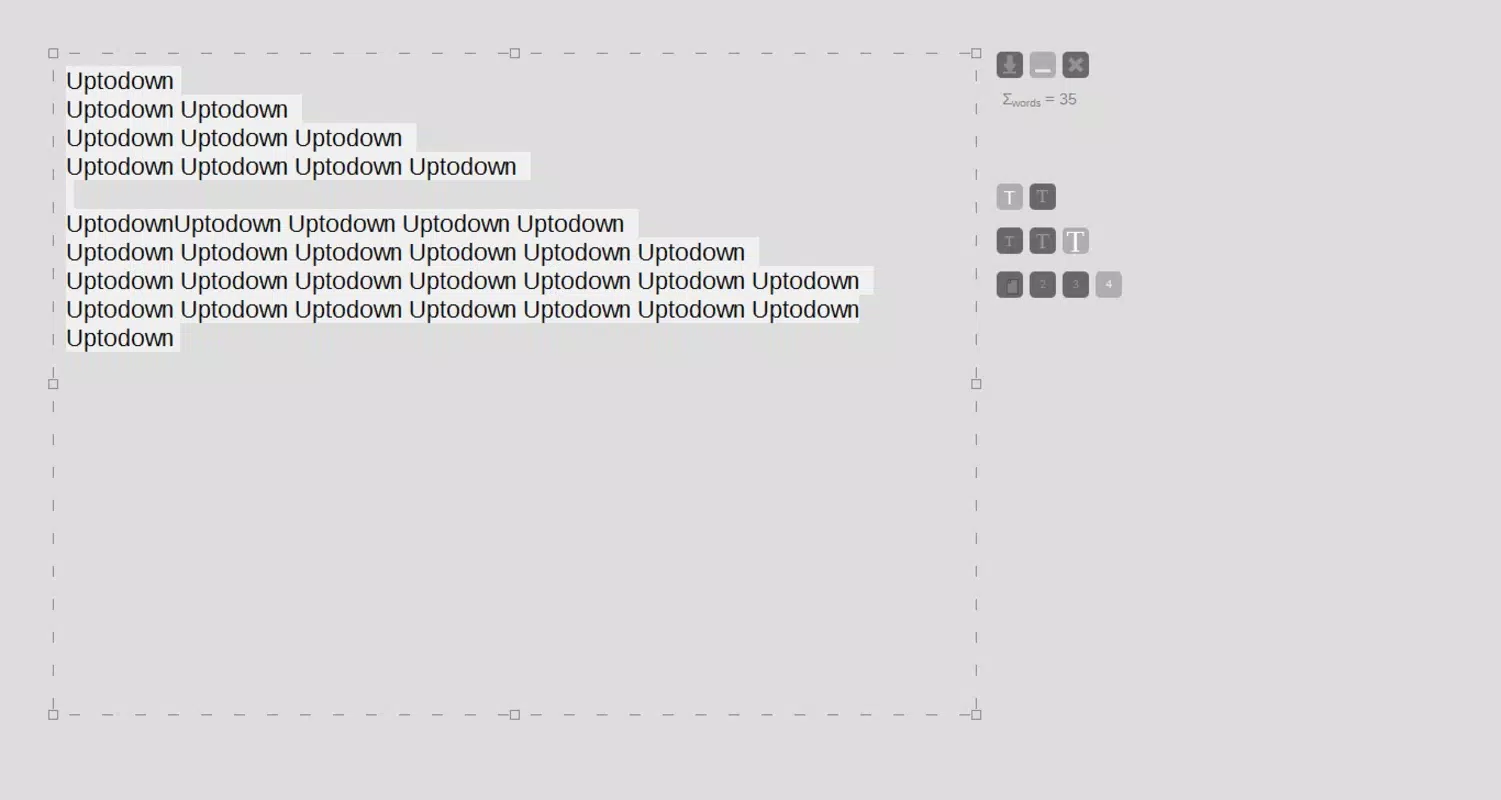
- Distraction-Free Interface: The app hides the status bar and all open windows, creating a full-screen, clean canvas for writing. This design reduces visual noise and helps users enter a state of flow more easily.
- Minimal Features: Catlooking Writer includes only essential editing functions—such as font color and size adjustments—ensuring that users are not overwhelmed by options. This restraint supports a streamlined workflow ideal for focused writing sessions.
- Focus Mode: When the mouse is inactive for a set period, the application’s interface elements automatically disappear. This dynamic feature encourages prolonged engagement by minimizing the temptation to switch tasks or check external distractions.
- Isolated Writing Environment: By eliminating interface clutter and system interruptions, the app creates a dedicated space for creative expression. It is particularly effective for users seeking a digital sanctuary to write without external influence.
For example, a novelist might use the app during a morning writing session to draft a chapter without being pulled away by email alerts or social media notifications. Similarly, a student could use it to write reflective essays in a calm, uninterrupted setting. The simplicity of the tool makes it highly effective for users who prioritize mental clarity over advanced formatting options.
Interface, UX & Performance
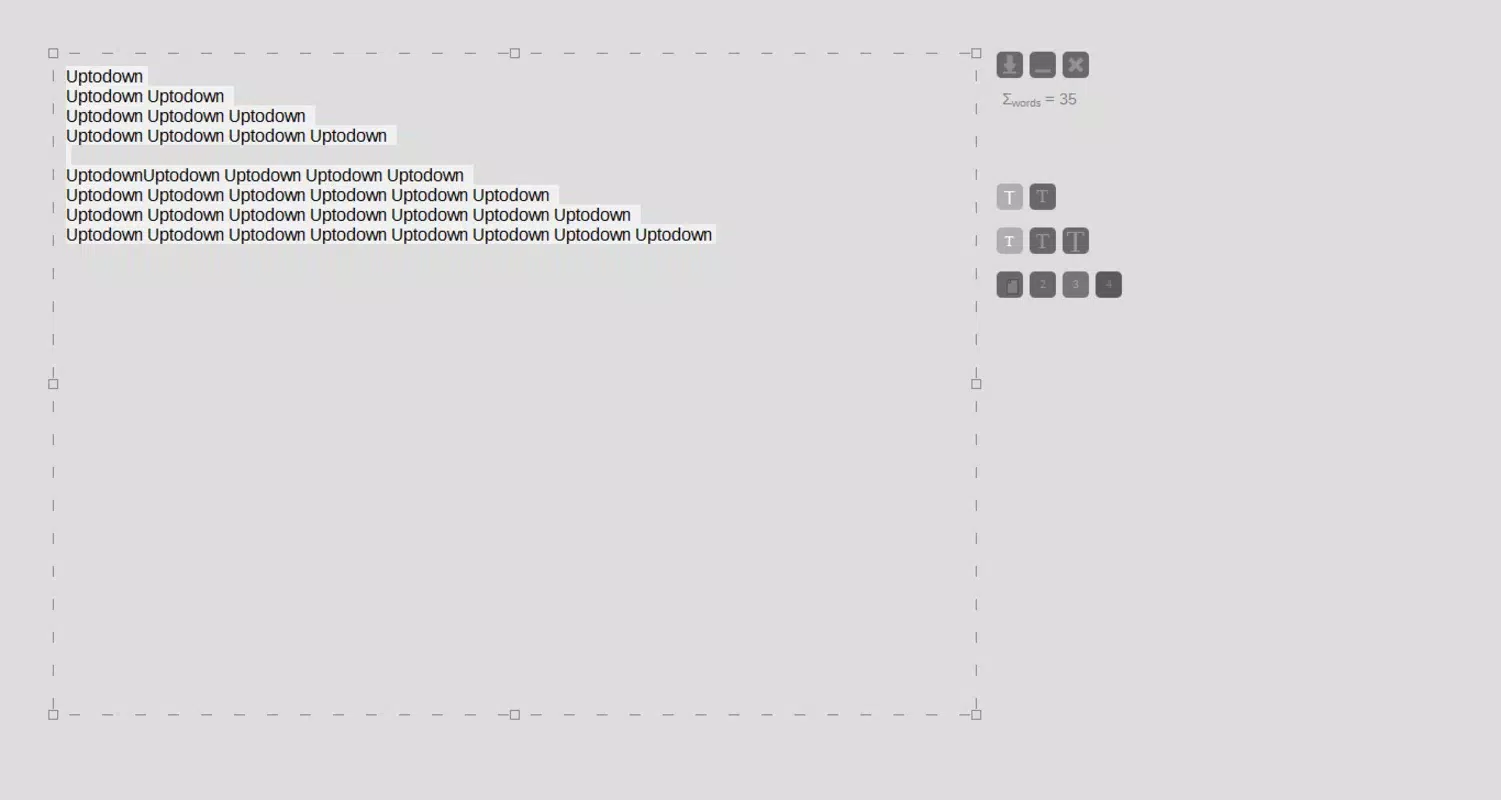
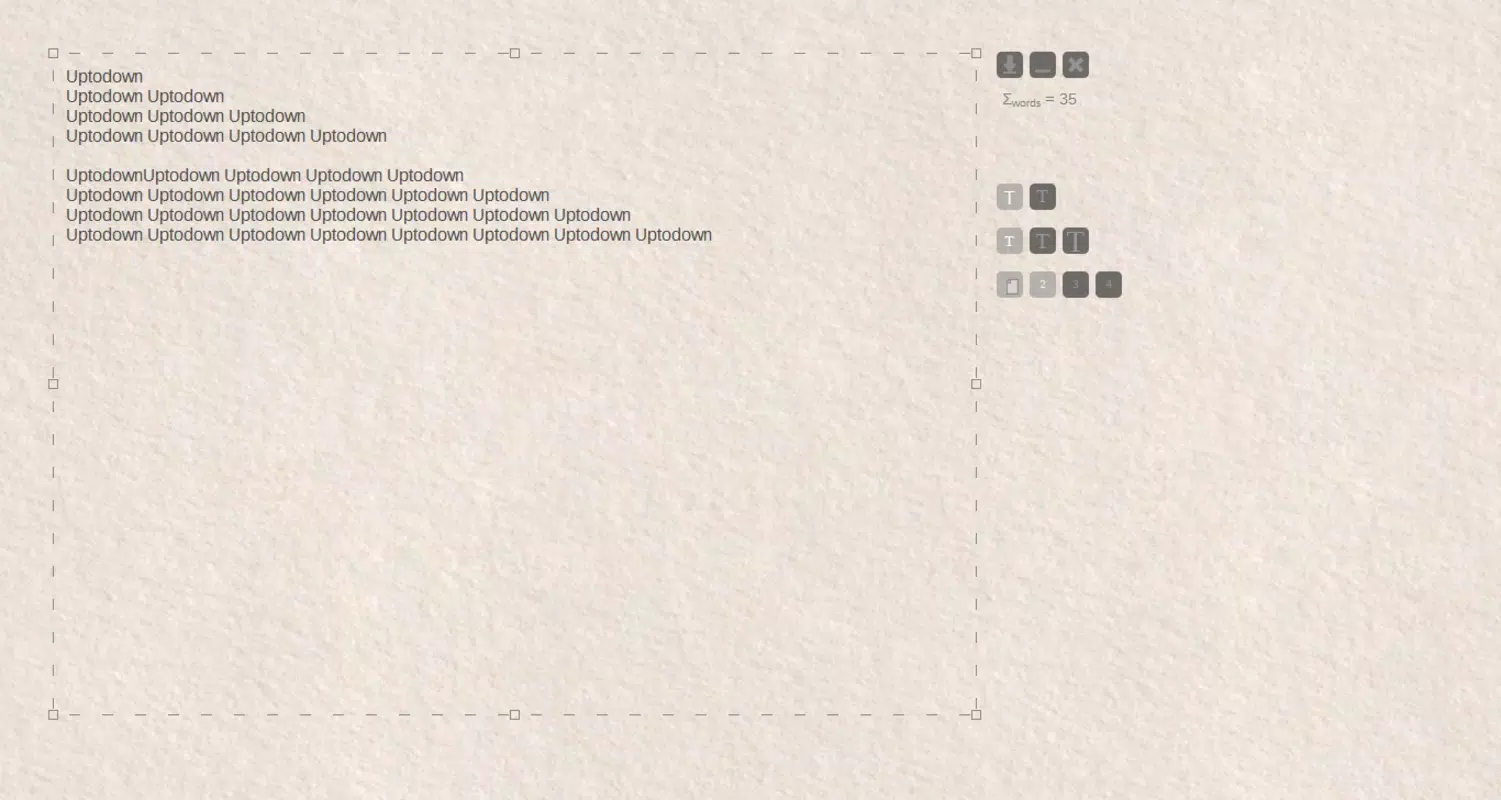
The user interface of Catlooking Writer is intentionally sparse, featuring a plain background with only the text input area visible. The visual style emphasizes neutrality and calm, with no bold colors, animations, or decorative elements that could divert attention. Navigation is minimal—users interact directly with the text, with no menus or toolbars to navigate through. This direct interaction reduces cognitive load and supports a seamless writing experience.
Although the developer did not list formal performance metrics, the app’s small file size of 1.5 MB suggests optimized code and low resource consumption. It is likely to run smoothly on a wide range of Android devices, including older models. Responsiveness appears to be high, given the absence of complex interactions or loading delays. Stability is implied by the app’s long-standing presence on the platform, though specific crash reports or update frequency were not provided.
Users can expect consistent performance across different device categories, from budget smartphones to mid-range tablets. The app’s lightweight nature ensures quick launch times and minimal battery drain, making it suitable for extended writing sessions.
Platform Compatibility & Technical Requirements
Catlooking Writer is available exclusively on the Android platform. The current version is 1.1.4, with a file size of 1.5 MB, making it highly accessible even on devices with limited storage. The developer did not specify minimum OS requirements, so compatibility with older Android versions cannot be confirmed. However, given the app’s release date in 2011 and its lightweight design, it may function on Android 4.0 and above, though users should verify compatibility on their specific device.
Since the app is free and does not require internet access, it can be installed and used offline. This enhances privacy and ensures uninterrupted use in environments with no connectivity. No additional permissions were listed, suggesting a minimal data footprint and a focus on user security.
Pros and Cons
- Minimalist design promotes deep focus and creativity
- Small file size ensures fast installation and low storage usage
- Free to download and use with no in-app purchases
- Focus mode automatically hides interface elements when inactive
- Stable performance with low system resource consumption
- Limited to basic text editing features (no advanced formatting)
- No cloud sync or export options mentioned
- Developer did not provide update frequency or future roadmap
- Compatibility with newer Android versions not confirmed
- Interface may feel too bare for users who prefer more control
FAQ
Is Catlooking Writer safe to download and use?
Yes, the app is free and does not require internet access. No permissions were listed, suggesting it operates securely within the device’s sandboxed environment.
Can I use Catlooking Writer offline?
Yes, the app does not require an internet connection. All writing and editing can be done entirely offline.
Does Catlooking Writer support file export or cloud backup?
The developer did not provide information about export or sync features. Users should assume files are stored locally on the device.
Is the app compatible with Android tablets?
While not explicitly confirmed, the app’s lightweight design suggests it may work on tablets. Users should test compatibility on their specific device.
How often is Catlooking Writer updated?
The developer did not disclose update frequency. The latest version available is 1.1.4, released in 2011.
Final Thoughts
Catlooking Writer remains a compelling choice for users who value simplicity and mental clarity in their writing process. Its minimalist design, focus mode, and distraction-free interface create an ideal environment for creative expression and deep work. While it lacks advanced features like formatting tools or cloud integration, its strength lies in what it removes—distractions. For writers, journalers, and students seeking a peaceful digital space to write, this app delivers a powerful, no-frills solution.
Despite its age, the app continues to serve a niche audience that prioritizes focus over functionality. Its free availability and low resource usage make it accessible to a wide range of users. If you’re looking to reclaim your attention in a noisy digital world, Catlooking Writer offers a serene, intentional way to write.
Download Catlooking Writer now


